

Screenshot
Design-first, marketing-ready screenshots rendered on-demand from any URL. Powered by Screenframed — device frames, gradient backgrounds, AI-composed titles, and more.
For isolated previews, theme switching, and sandbox editing, open the Screenshot playground on holydocs.com .
When to use
Use this component when you need stronger document structure, annotation, or narrative pacing inside a page.
Live Examples
Every example below renders the real component directly inside HolyDocs, followed by the exact MDX you can paste into a page.
Flat Preset
This is the most basic polished default: a straight-on browser capture with no tilt, paired with a warm image background from Screenframed's background catalog.
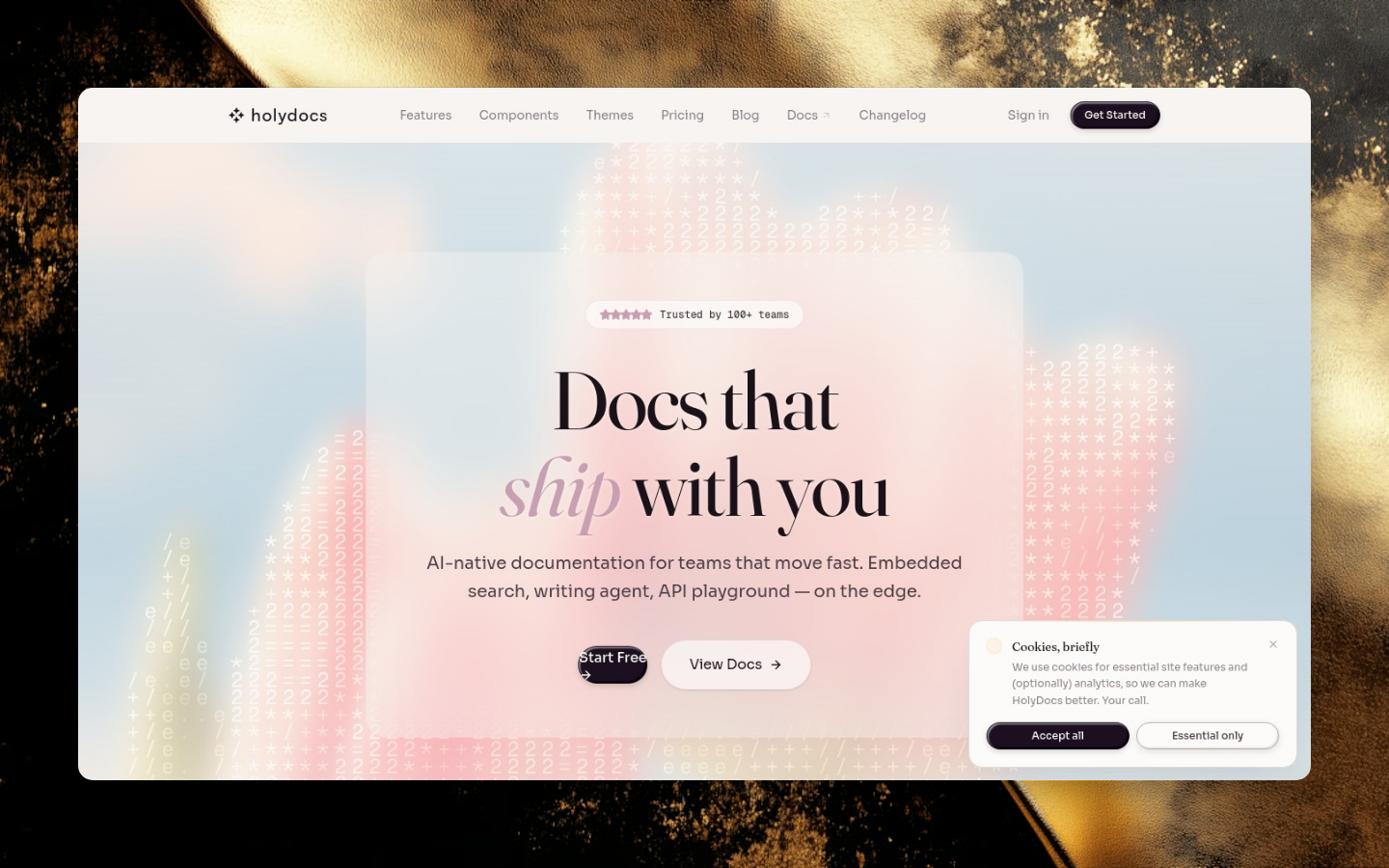
mdx<Screenshot url="https://holydocs.com" preset="flat" background="ethereal-golden-textures/ethereal-01" alt="HolyDocs home page with a warm background"/>
Theme-Aware Default
The docs preset chooses a background and frame treatment from the active HolyDocs theme.

mdx<Screenshot url="https://holydocs.com" preset="docs" alt="HolyDocs home page" />
Image Background Override
Start with the hero preset, then override the background with a warm hosted image from Screenframed's background catalog.
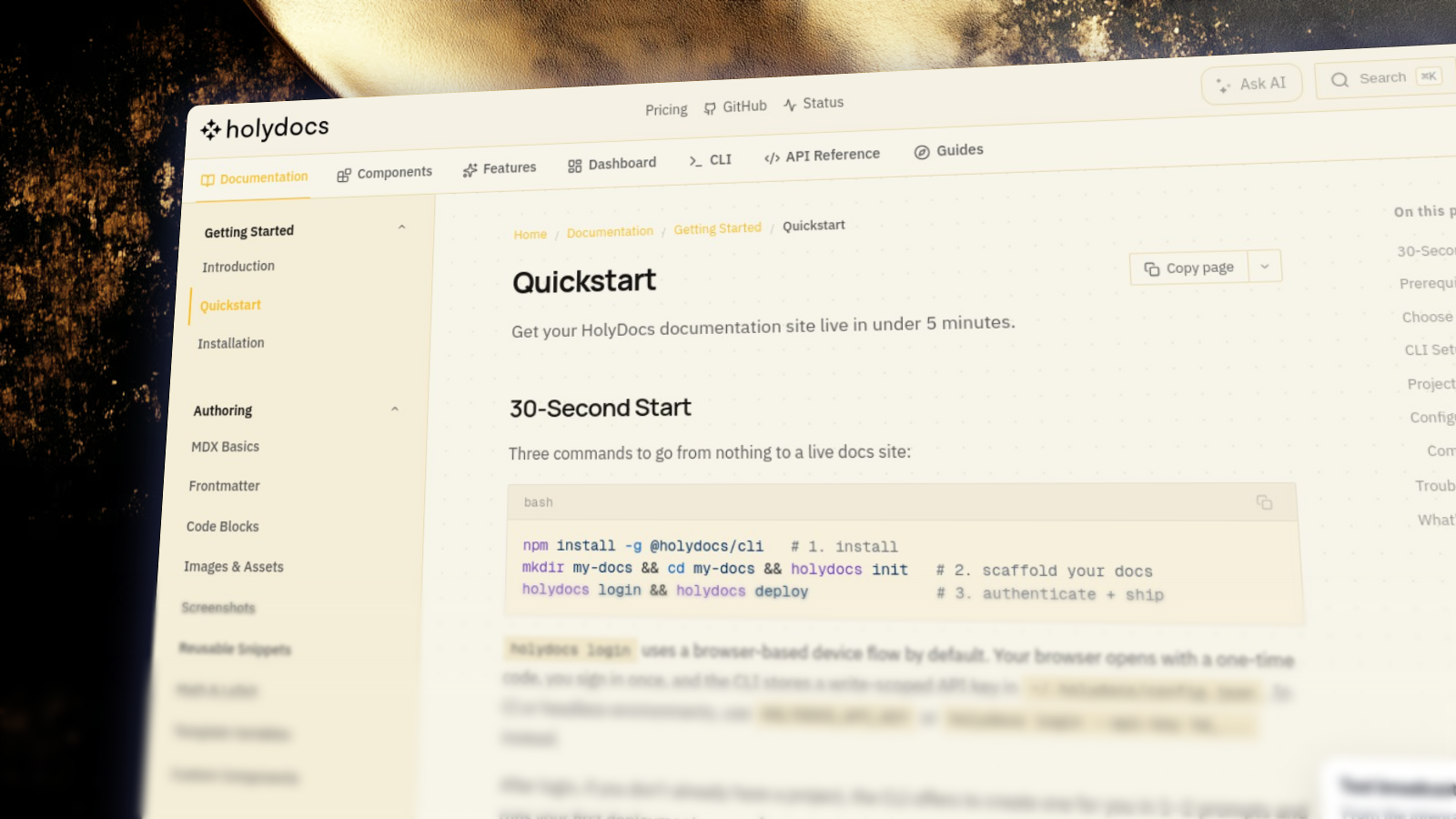
mdx<Screenshot url="https://docs.holydocs.com/quickstart" preset="hero" background="ethereal-golden-textures/ethereal-01" shadow="glow" padding={72} alt="HolyDocs quickstart with a golden background"/>
Mobile Preset
The mobile preset switches to an iPhone frame; the background is still a normal prop override.
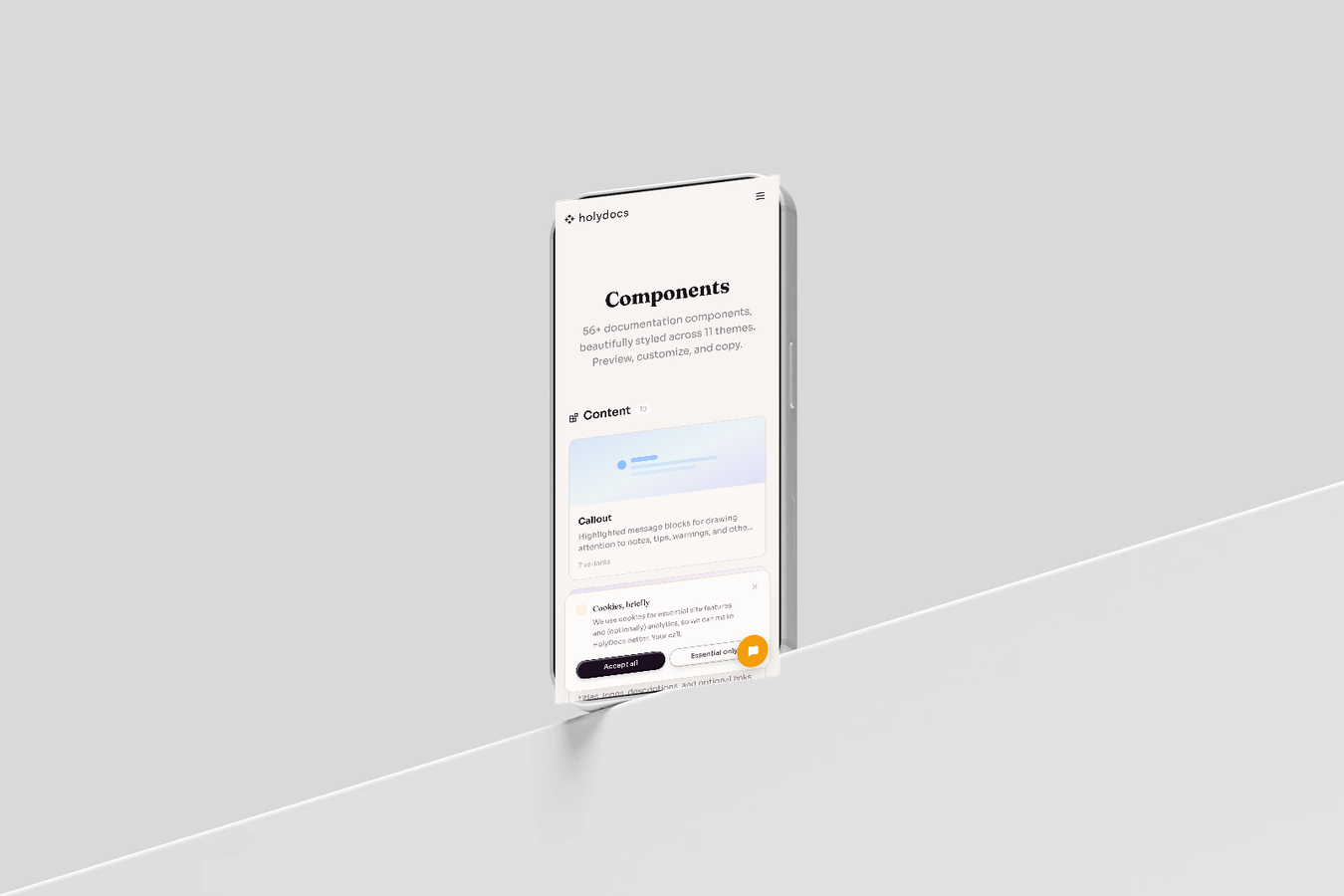
mdx<Screenshot url="https://holydocs.com/components" preset="mobile" background="aurora" deviceColor="black" alt="HolyDocs components on mobile"/>
Text Overlay
Text overlay props are passed through to Screenframed, so text-based compositions work directly in MDX.
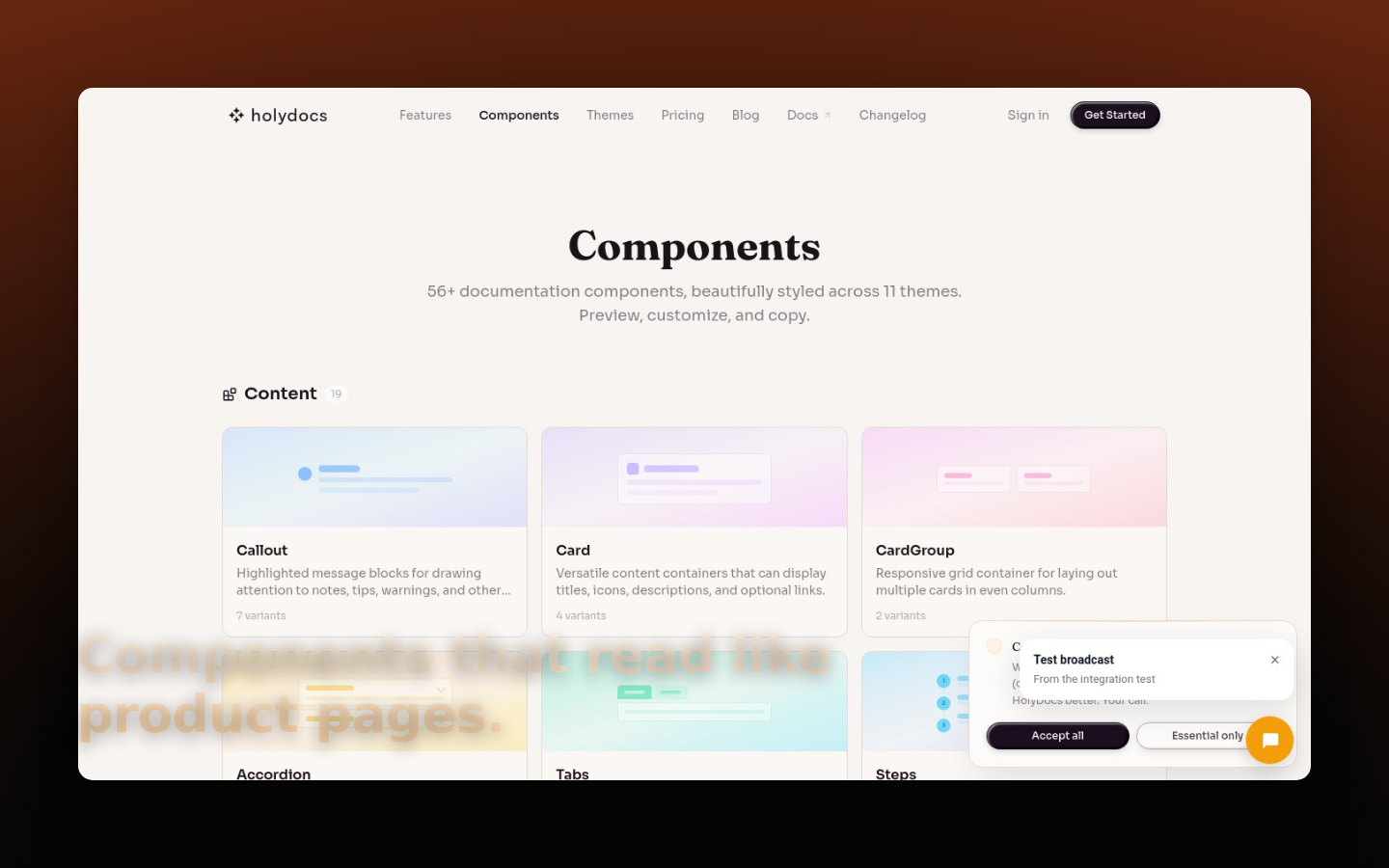
mdx<Screenshot url="https://holydocs.com/components" preset="flat" backgroundGradient="radial-gradient(125% 125% at 50% 100%, #050505 38%, #7C2D12 100%)" textEnabled textContent="Components that read like product pages." textX={0.055} textY={0.72} textSize={54} textWeight={800} textGradient="linear-gradient(180deg,#fff7ed 0%,#fed7aa 100%)" textShadow="0 4px 18px rgba(0,0,0,0.35)" textMaxWidth={0.68} alt="HolyDocs components screenshot with text overlay"/>
Full Override
Any Screenframed parameter can be supplied as a prop, even when a preset is chosen.
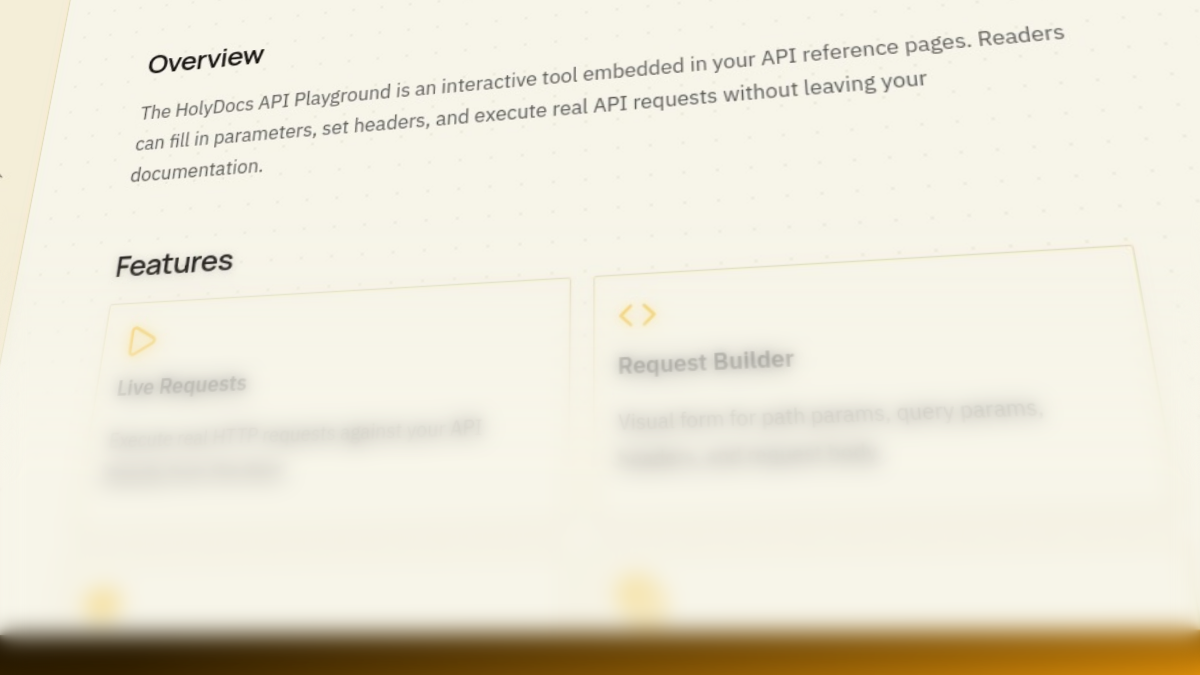
mdx<Screenshot url="https://docs.holydocs.com/api-playground" preset="detail" backgroundGradient="linear-gradient(135deg, #050505 0%, #3B2500 42%, #F59E0B 100%)" shadow="hard" cornerRadius={4} width={1200} height={675} alt="HolyDocs API playground detail crop"/>
Props
| Prop | Type | Default | Description |
|---|---|---|---|
url | string | -- | The URL to capture. Required. |
preset | string | docs | Preset: docs, flat, hero, mobile, detail, or raw. |
device | string | none | Device frame to wrap the captured page in. Omit (or pass none) for a raw deviceless capture. |
background | string | theme-matched | Gradient preset such as aurora, or hosted Screenframed background ref such as ethereal-golden-textures/ethereal-01. Pass none for an untreated background. |
backgroundImageUrl | string | -- | Custom image URL override. This still works and overrides background. |
backgroundGradient | string | -- | Raw CSS gradient override. |
backgroundColor | string | -- | Solid background color override. |
shadow | string | none | Shadow style applied to the framed device. |
perspective | string | none | Perspective tilt applied to the framed device. |
layout | string | default | Crop/offset layout for the captured page. |
depthBlur | number | 0 | Depth blur intensity (0–30). Fades the far edge for a cinematic falloff. |
title | string | -- | Optional headline overlay baked into the image. |
textEnabled | boolean | false | Enable a free-form text overlay baked into the image. |
textContent | string | -- | Text rendered by Screenframed. |
textX / textY | number | -- | Text position as a 0-1 fraction of the output canvas. |
textSize / textWeight | number | -- | Typography controls for the text overlay. |
textColor / textGradient | string | -- | Solid or gradient fill for the text overlay. |
textShadow | string | -- | CSS text shadow for contrast against the background. |
ai | boolean | false | Enable all AI features (style, copy, auto-balance). |
aspectRatio | string | auto | Output aspect ratio. |
format | string | png | Output image format. |
width | number | -- | Output width in pixels. Omit to inherit the device viewport (or 1440 for deviceless captures). |
height | number | -- | Output height in pixels. Omit to inherit the device viewport (or 900 for deviceless captures). |
params / payload | JSON string | -- | Full Screenframed payload override escape hatch. |
Usage
Start from this baseline shape and then tailor the copy, data, or nesting to the page you are writing.
mdx<Screenshot url="https://holydocs.com" preset="flat" background="ethereal-golden-textures/ethereal-01"/>
Tips
- Keep the surrounding copy short so the component remains the focal point instead of becoming redundant chrome.
- Prefer one clear job per component instance. If a block is trying to explain, navigate, and warn at the same time, split it up.
- Check the page in both light and dark mode when you stack multiple content components together. Dense compositions can feel heavier than expected.
Related Components
Highlighted message blocks for drawing attention to notes, tips, warnings, and other contextual information.
More
- Interactive playground: Screenshot on holydocs.com
- Component library index: /components