

Frame
Media-first frame for screenshots, videos, and diagrams with optional hint text and captions.
For isolated previews, theme switching, and sandbox editing, open the Frame playground on holydocs.com .
When to use
Use this component when you need stronger document structure, annotation, or narrative pacing inside a page.
Live Examples
Every example below renders the real component directly inside HolyDocs, followed by the exact MDX you can paste into a page.
With Caption
Screenshot frame with hint text and a descriptive caption.
Browser capture
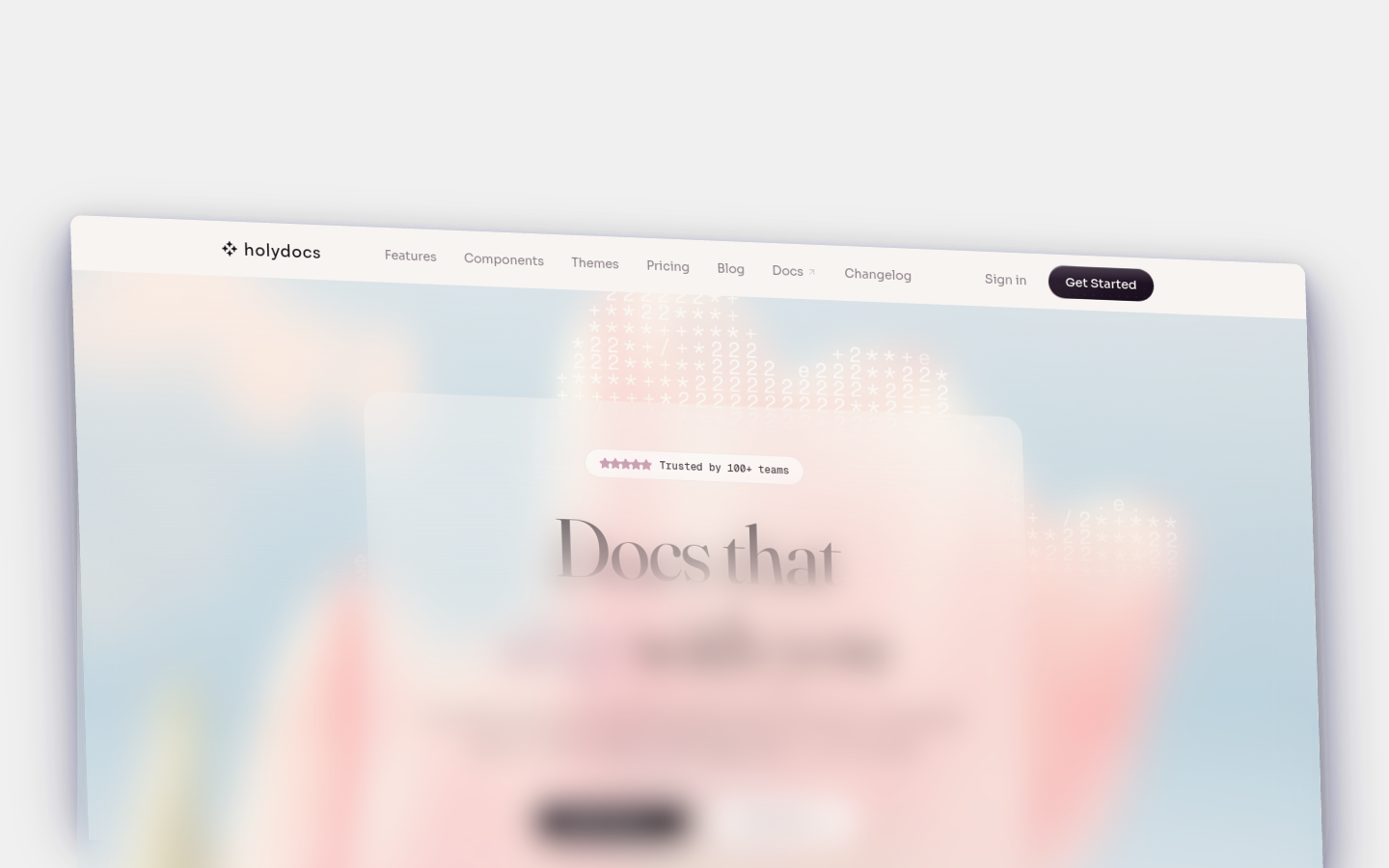
mdx<Frame hint="Browser capture" caption="Published docs home page with navigation and search."> <img src="https://cdn.screenframed.com/r/ren_01KP63F5MD99TKH0DQZQRH30JQ.png" alt="HolyDocs site shown inside a browser frame" width="1440" height="900" loading="lazy" /></Frame>
No Caption
Bare media frame with no supporting copy.
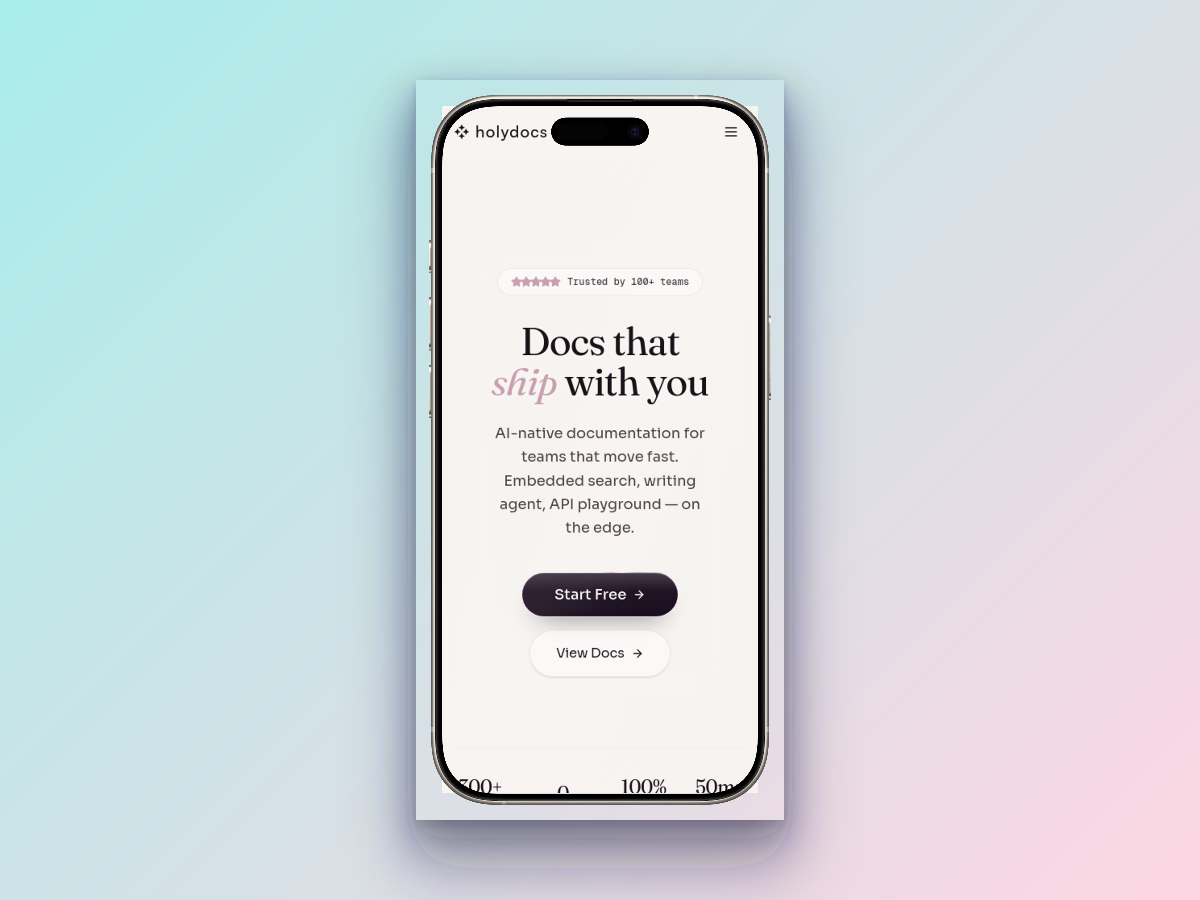
mdx<Frame> <img src="https://cdn.screenframed.com/r/ren_01KP61F5YWDVB3FV83N7PS41P0.png" alt="HolyDocs product screen shown inside a device frame" width="1200" height="900" loading="lazy" /></Frame>
Props
| Prop | Type | Default | Description |
|---|---|---|---|
caption | string | -- | Text caption rendered below the framed content. |
hint | string | -- | Small hint label shown above the framed media. |
Usage
Start from this baseline shape and then tailor the copy, data, or nesting to the page you are writing.
mdx<Frame hint="Browser capture" caption="Published docs home page with navigation and search."> <img src="https://cdn.screenframed.com/r/ren_01KP63F5MD99TKH0DQZQRH30JQ.png" alt="HolyDocs site shown inside a browser frame" width="1440" height="900" loading="lazy" /></Frame>
Tips
- Keep the surrounding copy short so the component remains the focal point instead of becoming redundant chrome.
- Prefer one clear job per component instance. If a block is trying to explain, navigate, and warn at the same time, split it up.
- Check the page in both light and dark mode when you stack multiple content components together. Dense compositions can feel heavier than expected.
Related Components
Callout
Highlighted message blocks for drawing attention to notes, tips, warnings, and other contextual information.
More
- Interactive playground: Frame on holydocs.com
- Component library index: /components