> ## Documentation Index
> Fetch the complete documentation index at: https://docs.holydocs.com/llms.txt
> Use this file to discover all available pages before exploring further.
# Frame
Media-first frame for screenshots, videos, and diagrams with optional hint text and captions.
**Interactive playground** For isolated previews, theme switching, and sandbox editing, open [the Frame playground on holydocs.com](https://holydocs.com/components/frame).
## When to use
Use this component when you need stronger document structure, annotation, or narrative pacing inside a page.
## Live Examples
Every example below renders the real component directly inside HolyDocs, followed by the exact MDX you can paste into a page.
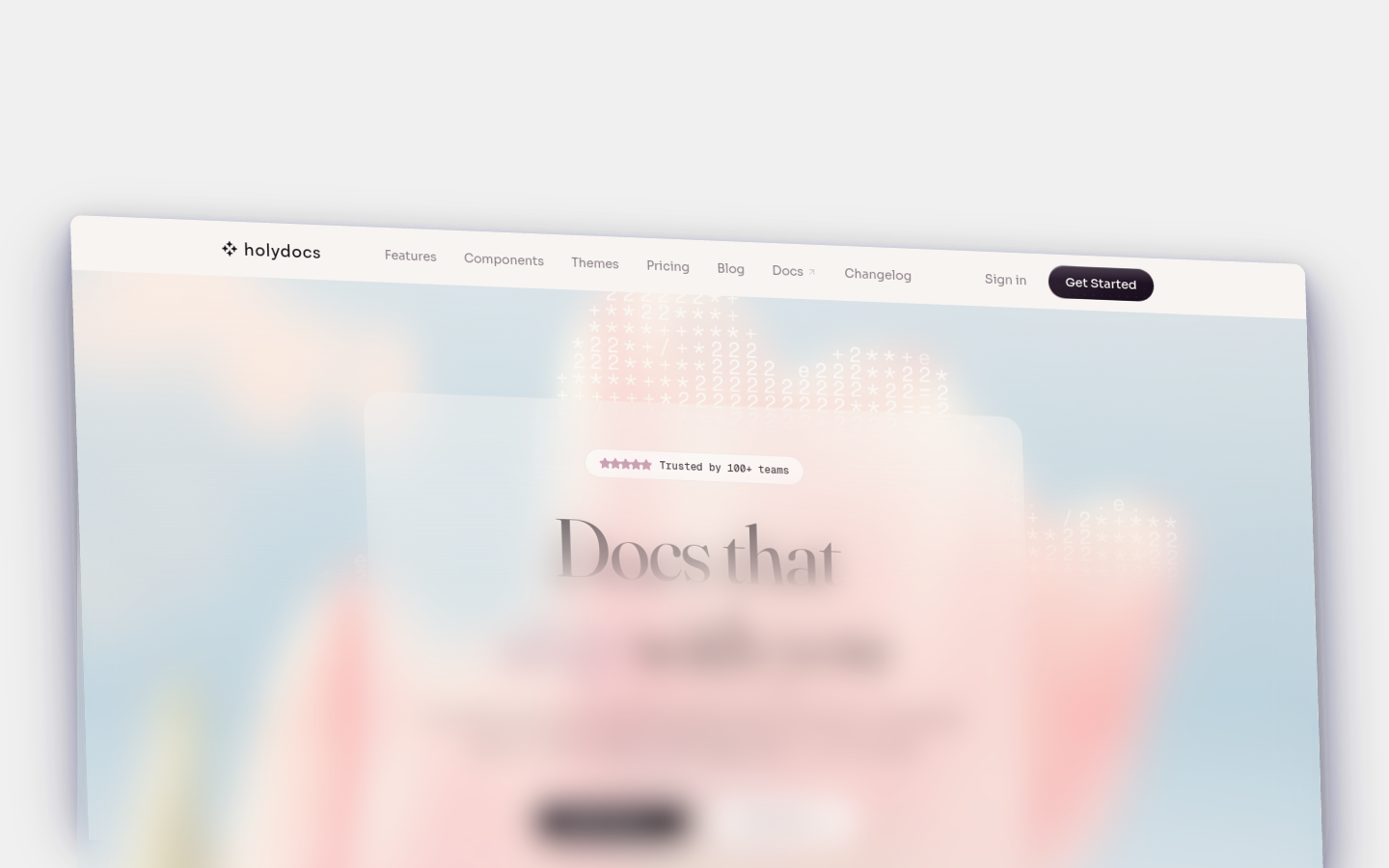
### With Caption
Screenshot frame with hint text and a descriptive caption.
~~~mdx
 ~~~
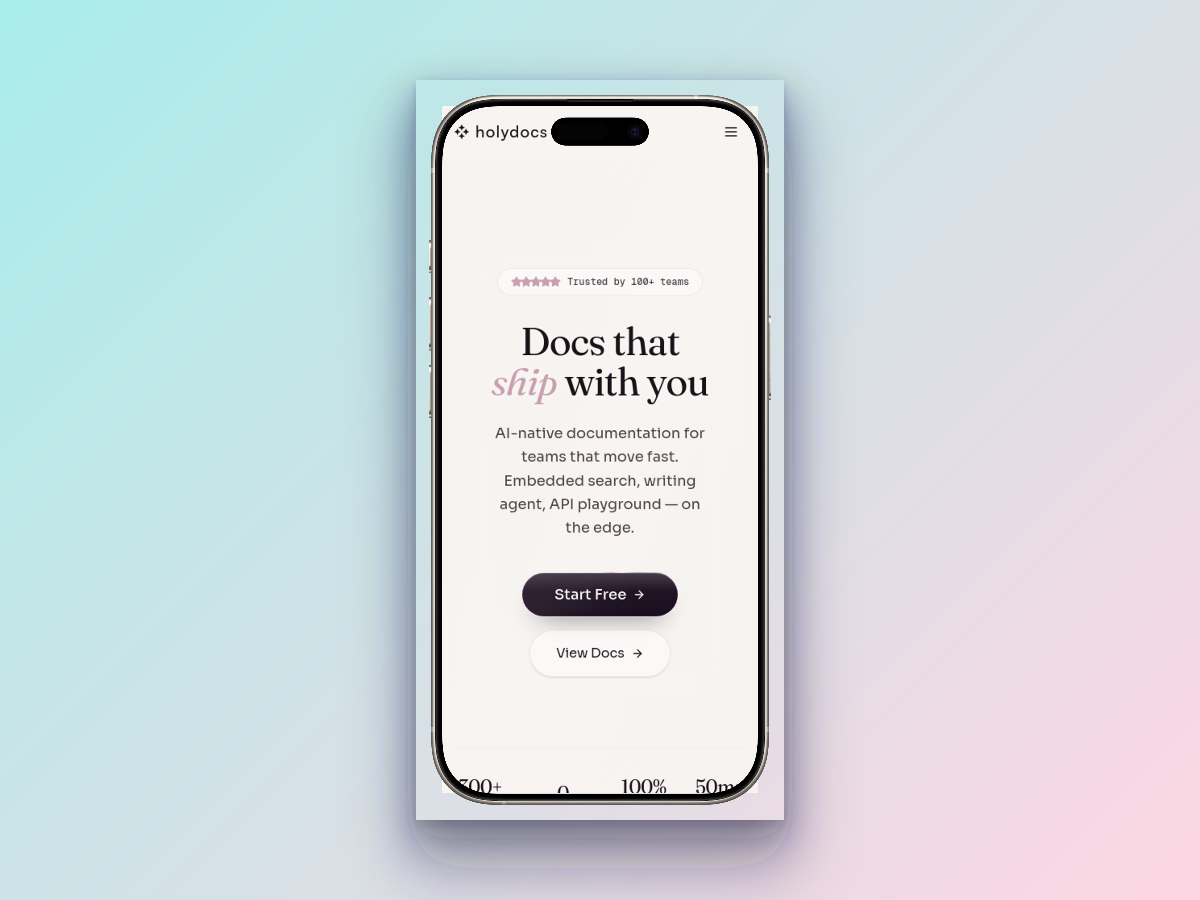
### No Caption
Bare media frame with no supporting copy.
~~~mdx
~~~
### No Caption
Bare media frame with no supporting copy.

~~~mdx
 ~~~
## Props
| Prop | Type | Default | Description |
| --- | --- | --- | --- |
| `caption` | `string` | `--` | Text caption rendered below the framed content. |
| `hint` | `string` | `--` | Small hint label shown above the framed media. |
## Usage
Start from this baseline shape and then tailor the copy, data, or nesting to the page you are writing.
~~~mdx
~~~
## Tips
- Keep the surrounding copy short so the component remains the focal point instead of becoming redundant chrome.
- Prefer one clear job per component instance. If a block is trying to explain, navigate, and warn at the same time, split it up.
- Check the page in both light and dark mode when you stack multiple content components together. Dense compositions can feel heavier than expected.
## Related Components
**[Callout](/components/callout)**
Highlighted message blocks for drawing attention to notes, tips, warnings, and other contextual information.
**[Card](/components/card)**
Versatile content containers that can display titles, icons, descriptions, and optional links.
**[CardGroup](/components/card-group)**
Responsive grid container for laying out multiple cards in even columns.
## More
- Interactive playground: [Frame on holydocs.com](https://holydocs.com/components/frame)
- Component library index: [/components](/components)
~~~
## Props
| Prop | Type | Default | Description |
| --- | --- | --- | --- |
| `caption` | `string` | `--` | Text caption rendered below the framed content. |
| `hint` | `string` | `--` | Small hint label shown above the framed media. |
## Usage
Start from this baseline shape and then tailor the copy, data, or nesting to the page you are writing.
~~~mdx
~~~
## Tips
- Keep the surrounding copy short so the component remains the focal point instead of becoming redundant chrome.
- Prefer one clear job per component instance. If a block is trying to explain, navigate, and warn at the same time, split it up.
- Check the page in both light and dark mode when you stack multiple content components together. Dense compositions can feel heavier than expected.
## Related Components
**[Callout](/components/callout)**
Highlighted message blocks for drawing attention to notes, tips, warnings, and other contextual information.
**[Card](/components/card)**
Versatile content containers that can display titles, icons, descriptions, and optional links.
**[CardGroup](/components/card-group)**
Responsive grid container for laying out multiple cards in even columns.
## More
- Interactive playground: [Frame on holydocs.com](https://holydocs.com/components/frame)
- Component library index: [/components](/components)